In the ever-evolving world of electronics design, Altium Designer stands out as a powerful and versatile tool. But with its advanced capabilities comes the question of cost. Understanding the various Altium Designer licensing options and their associated prices is crucial for both individual designers and larger engineering teams. This article breaks down the complexities of Altium Designer cost, helping you navigate the different subscription levels, individual licenses, and hidden costs to find the best solution that fits your specific requirements and budget, so you can efficiently create innovative electronics.
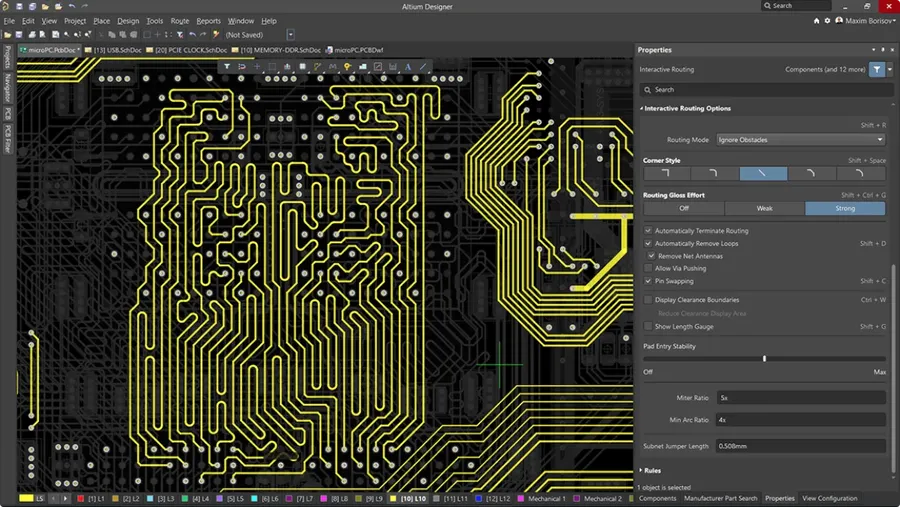
Altium Designer employs a subscription-based licensing model, offering different tiers to accommodate varying user needs and project complexities. This approach ensures users have access to the latest features, updates, and support. Understanding these models is crucial for aligning software costs with your specific requirements.
Altium's licensing structure primarily consists of two main tiers: Standard and Professional. These tiers offer varying degrees of features and capabilities to meet different design needs.
| Feature | Standard License | Professional License |
|---|---|---|
| PCB Design Capabilities | Comprehensive, including multilayer support. | Enhanced with advanced routing and signal integrity analysis. |
| Schematic Capture Tools | Complete and intuitive schematic design environment. | Includes advanced component management and variant support. |
| Data Management Features | Basic project management and version control. | Advanced data management with collaborative capabilities and lifecyle support. |
| Simulation and Analysis | Basic SPICE simulation capabilities. | Advanced mixed-signal simulation and analysis tools. |
| Support Level | Standard support with access to resources. | Priority support and dedicated technical assistance. |
| Target User | Ideal for small to medium projects and general PCB design tasks. | Suited for complex designs and professional applications. |
The Standard license provides a robust set of tools for PCB design, schematic capture, and basic simulation. It is well-suited for most general-purpose design tasks and smaller to medium-sized projects. The Professional license includes all the features of the Standard license plus more advanced capabilities such as sophisticated routing features, complex data management and higher simulation capabilities. This tier is designed for users working on complex, large-scale, or high-performance designs that demand the best features.
Selecting the right tier is essential. Evaluate your project complexity, required functionalities, and team's technical expertise to make an informed decision. While the Professional license is more feature-rich, the Standard license could be more cost-effective for smaller-scale or less complex projects. Both are subscription-based and this should be accounted for when calculating long term expenses.
Choosing between an individual and a team license for Altium Designer is a critical decision that hinges primarily on your collaboration needs and the size of your engineering group. This section provides a clear comparison to guide you toward the most suitable licensing option.
| Feature | Individual License | Team License |
|---|---|---|
| Primary Use | Designed for single users working independently. | Designed for collaborative projects involving multiple users. |
| Concurrent Access | Typically locked to a single user and device. Limited concurrent access. | Allows for multiple users to access Altium Designer concurrently depending on the license purchased. |
| Collaboration Features | Basic collaboration via file sharing or version control systems. | Enhanced collaboration features such as shared project spaces, component libraries, and design reviews. Includes Altium 365 Workspace or similar team focused platforms |
| Administrative Overhead | Minimal administration needed, primarily managed by the individual. | Requires centralized license management, usually assigned to a license administrator. |
| Cost Structure | Usually a lower per-user cost than team licenses. | Generally higher overall cost with a per user seat, but can be more cost effective per user at scale. |
| Scalability | Limited scalability for larger teams. Not suitable for large design departments. | Designed for scaling team sizes and design projects. |
Individual licenses are generally favored by freelancers, solo engineers, or small businesses where collaboration is minimal or managed through external tools. They typically offer a lower upfront and ongoing cost, but lack the robust collaboration features of team licenses. Furthermore, they may limit you from easily sharing or working on the same project with others. As such, they are not appropriate for most development environments.
Team licenses, on the other hand, are designed for larger teams where collaboration is crucial. These licenses often come with access to collaboration platforms like Altium 365 Workspace, which centralizes project management, component libraries, and design reviews. While more expensive initially, they facilitate efficient teamwork, better version control, and often result in greater productivity by reducing time wasted on version control and communication of design ideas. Depending on the overall size of your development team, a team license can often be more cost effective when you factor in team productivity.
When selecting a licensing model, the focus is not just on the immediate costs, but also the needs of your team, the scale of your projects, and the need to grow. If your intention is to grow your development team, then you should consider this before selecting a license to minimize the cost of moving from an individual license to a team one. Furthermore, a team license will save countless hours in management of your development, which reduces the cost of development on an hourly basis.
It is also worth noting the introduction of newer individual options that may be slightly more flexible than traditional licenses. These may include features allowing access to the software on multiple devices, or more frequent access for a reduced price per day. These options may be useful for people who do not use Altium Designer very frequently, but would still prefer to access the full version of the software.
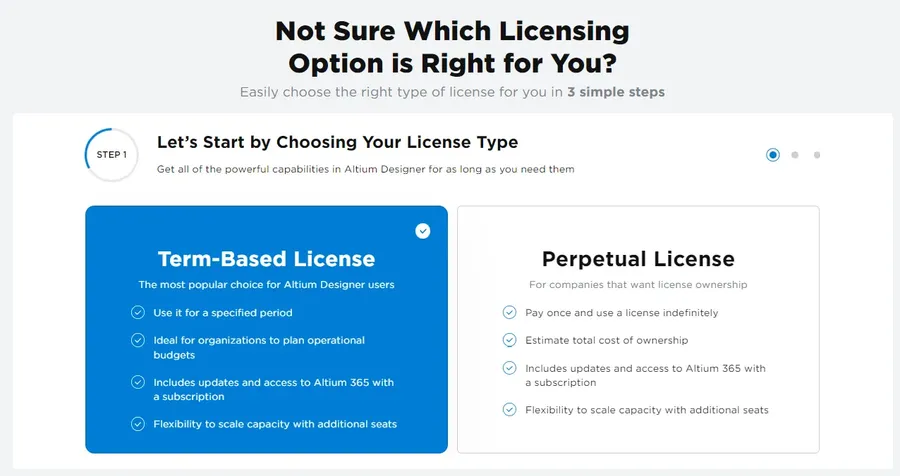
Understanding the payment structure for Altium Designer is crucial for budgeting and long-term planning. Altium primarily offers a subscription-based model, but variations exist, impacting the overall cost and value. This section clarifies the differences between monthly and annual subscriptions and addresses the availability and implications of perpetual licenses.
| Licensing Option | Payment Frequency | Cost Implications | Access | Suitability |
|---|---|---|---|---|
| Monthly Subscription | Monthly | Higher short-term cost; ideal for short-term needs or trial periods. | Full access to software during subscription period. | Short-term projects, or testing the software. |
| Annual Subscription | Annually | Lower cost per year compared to monthly; often preferred for ongoing projects. | Full access to software during the subscription year. | Most typical use cases for engineering professionals. |
| Perpetual License | One-time purchase | Highest upfront cost, but eliminates recurring fees. May require additional maintenance fees | Access to software indefinitely, subject to maintenance fees. | May be an option for users with a long-term usage plan with a preference for ownership over subscription, availability may vary, is usually not available for new licenses. |
The transition to subscription models reflects a broader trend in software licensing, focusing on continuous updates and support. Each option has financial implications. Monthly subscriptions are suited for short-term project needs or evaluation, providing flexibility without a large upfront investment. Annual subscriptions offer a more economical approach for those requiring continuous access to Altium Designer, offering the best balance of cost and benefit. Perpetual licenses are a less common, but still an option for existing customers, represent a one-time purchase that provides perpetual access to the software, it's important to note, however, that the maintenance costs for perpetual licenses can be high, and future upgrades may not be included.
When considering a payment structure, users must evaluate their project needs, budget, and long-term use of the software. Monthly subscriptions are suitable for temporary projects, while annual subscriptions offer cost-effectiveness for consistent use. Although available only for a limited customer base, perpetual licenses could represent a long-term cost saving if the long term use is anticipated.
For teams and organizations, these options may present additional considerations based on team size and license management. It is also important to check if the license includes technical support, updates and other features, which may vary depending on the licensing option chosen.
Understanding the specific costs associated with Altium Designer is crucial for making informed decisions about your PCB design software investment. This section provides a detailed breakdown of pricing, encompassing various tiers, payment structures, and potential bundled deals.
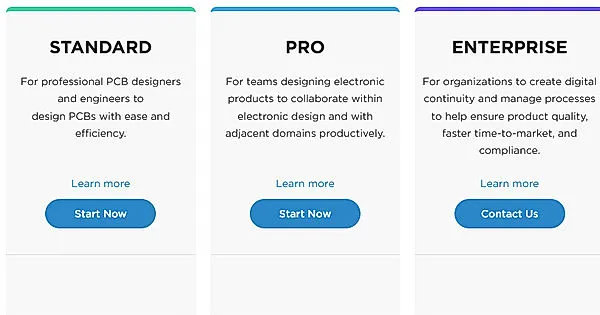
Altium Designer's pricing is primarily structured around a subscription model, offering access to the software and associated services for a set period. There are different tiers, typically categorized by the level of features and support provided.
| Tier | Key Features | Approximate Monthly Cost | Approximate Annual Cost |
|---|---|---|---|
| Standard | Core PCB design capabilities, basic collaboration features. | $300 - $500 | $3,500 - $6,000 |
| Professional | Advanced analysis, simulation, and comprehensive collaboration tools. | $500 - $800 | $6,000 - $10,000 |
| Enterprise | Full suite of features, enterprise-level support, dedicated onboarding. | Contact Sales | Contact Sales |
These figures are estimates and can vary based on several factors, including negotiated contracts, regional pricing, and specific add-ons or modules included. It's critical to get a formal quote from Altium for accurate pricing.
Historically, Altium offered perpetual licenses; however, these are becoming less common. If available, a perpetual license involves a substantial upfront cost, which grants indefinite access to a specific version of the software. However, perpetual licenses usually require an annual maintenance fee to access updates and support.
Bundled deals are another avenue for cost savings. For example, Altium may offer discounts for multi-seat licenses or for purchasing a package that combines Altium Designer with other Altium products or services.
It's important to note that these prices are subject to change, and it's crucial to get a formal quote from Altium sales directly to receive accurate and up-to-date pricing information, as well as explore any potential promotional offers or discounts.
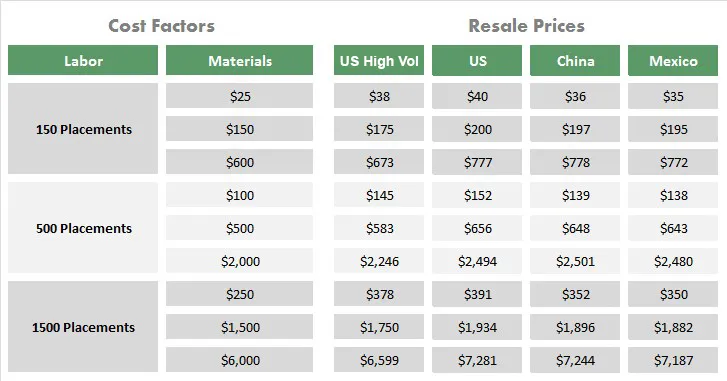
While the upfront cost of Altium Designer licenses is a significant consideration, a comprehensive budget must also account for several often-overlooked expenses that can substantially impact the total cost of ownership. These hidden costs, if not properly anticipated, can lead to budgetary surprises and affect the overall return on investment.
To accurately determine the return on investment (ROI), consider these aspects. Increased productivity through Altium's advanced features and efficient workflow can justify the upfront and hidden costs. For example, features such as the interactive routing, multi-board design capabilities, and advanced simulation features can substantially speed up the development process, saving engineering time.
| Cost Type | Description | Budget Impact |
|---|---|---|
| Training | Courses, tutorials, or on-site training | Can be significant; depends on training depth |
| Support & Maintenance | Enhanced support packages and software updates | Recurring cost, varies by support level |
| Data Migration | Tools or scripts needed to migrate from other software | Can be a one-time cost, variable depending on complexity |
| Hardware upgrades | Upgrading computers to meet the minimum system requirements of the software | Capital expenditures, may be significant for older equipment |
| Plugins & Add-ons | Extension tools to expand software capabilities | Additional cost; depends on feature set |
| Consultancy | Expert support for complex tasks or new projects | Variable cost; depends on consultant engagement |
Therefore, a thorough cost-benefit analysis is essential. By factoring in all associated costs and projecting the return on investment by increased productivity and reduced design time, a clearer financial justification for Altium Designer adoption can be achieved.
Understanding the costs associated with Altium Designer is crucial for any organization or individual considering adopting the software. Here we address common queries to provide clarity on pricing and value.
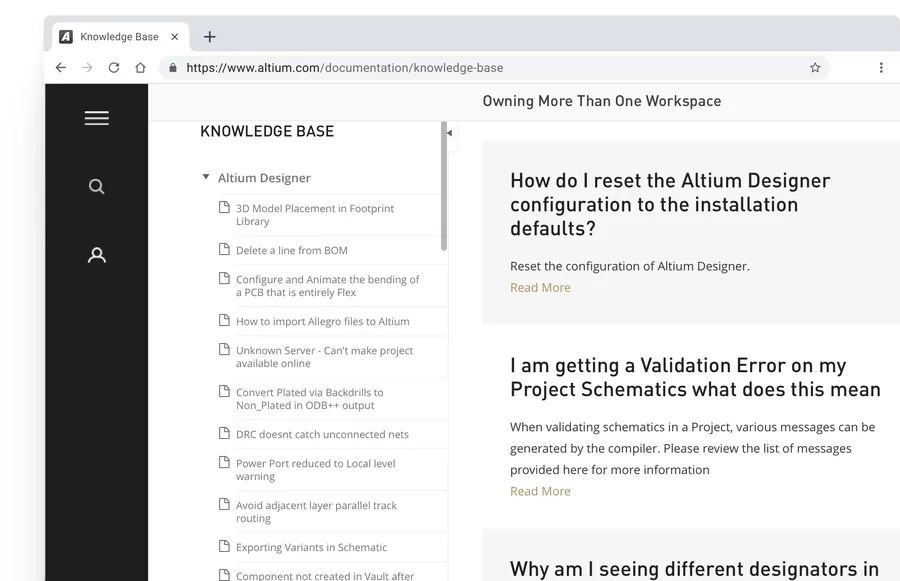
Securing the best possible price for Altium Designer requires strategic negotiation, leveraging your specific needs and understanding of the available licensing models. While Altium doesn't publicly advertise discounts, there are effective tactics that can lead to significant cost savings.
It's crucial to approach negotiations with a clear understanding of your specific requirements. This includes the number of users, the level of software features needed (Standard vs. Pro), and your anticipated usage duration. Having this information readily available can be a strong bargaining chip.
By employing these strategies, you can increase your chances of securing a favorable deal, ensuring that your investment in Altium Designer aligns with your budget while meeting your design needs.
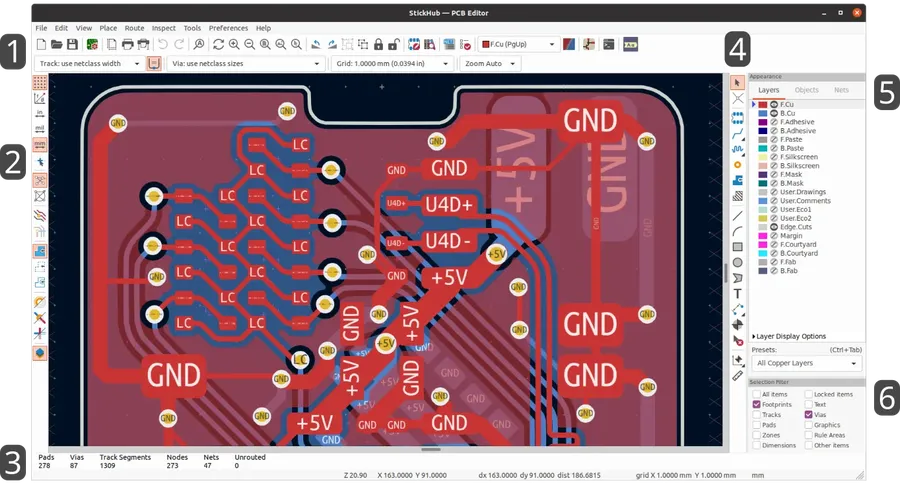
While Altium Designer is a powerful and widely respected PCB design software, its cost can be a barrier for some users. Exploring alternatives provides options based on budget and specific design needs. This section offers a concise overview of popular Altium alternatives, comparing their pricing models and core functionalities.
| Software | Cost Model | Key Features | Strengths | Weaknesses |
|---|---|---|---|---|
| KiCad | Free and Open Source | Schematic capture, PCB layout, 3D viewer | No cost, active community, highly customizable | Steeper learning curve, less polished interface compared to paid options |
| Autodesk EAGLE | Subscription based, free for personal use | Schematic capture, PCB layout, library management, cloud integration | User-friendly interface, affordable for personal projects, extensive online resources | Feature limitations compared to Altium, can become expensive for advanced use |
| Cadence OrCAD | Perpetual License or Subscription | Advanced simulation capabilities, signal integrity analysis, robust library management | Industry standard for large companies, powerful analysis tools, extensive component library | High cost, complex software, significant learning curve |
Choosing the right PCB design software involves balancing features, ease of use, and budget. KiCad is a compelling free choice, EAGLE bridges the gap between cost and functionality, while OrCAD provides high-end capabilities at a premium. Consider your project requirements and your team’s experience before making your choice.
Understanding Altium Designer cost is essential for any engineer or company considering this software for their PCB design needs. From various licensing options and subscriptions to hidden costs and negotiation strategies, navigating the pricing landscape requires careful consideration. By evaluating the details outlined in this article, you will be better prepared to make an informed decision about which license, and what overall approach, best fits your financial and design requirements, ensuring that you maximize the value of your investment in Altium Designer. The right choice can dramatically improve workflow, reduce costs, and drive innovation in your electronic designs, with long-term financial benefits that far outweigh the initial Altium Designer cost.

